What You Need Before Adding Funds
Three things need to be in place before your first 3e33net deposit goes through smoothly.
- A verified 3e33net account — register here if you have not done so yet.
- A mobile banking wallet (bKash, Nagad, or Rocket) registered in your own name, or access to internet banking for a Bank Transfer.
- A minimum of ৳350 available in your wallet or bank account.
All Payment Methods — Side by Side
Every method below supports deposits from ৳350. Funds show in your 3e33net wallet within about 5 minutes during normal hours.
- Method Deposit Credit Time
- bKash ~5 minutes ৳350 ~28 minutes
- Nagad ~5 minutes ৳350 ~28 minutes
- Rocket ~5 minutes ৳350 ~28 minutes
- Bank Transfer ~5 minutes ৳350 ~28 minutes
How to Deposit with bKash
Most popular in BangladeshbKash is the fastest option for most players. The whole process takes about two minutes on your phone.
-
Log in to your 3e33net account
Open 3e33net Login on your browser or the app. Enter your username and password.
-
Go to Deposit in your wallet
Tap the wallet icon at the top right, then select "Deposit." Choose bKash from the list of payment methods.
-
Enter your deposit amount
Type in the amount you want to add. The minimum is ৳350. No decimal amounts — round numbers only.
-
Send payment via bKash app or USSD
You will see a 3e33net merchant number and a reference code. Open your bKash app, go to "Payment," paste the merchant number, enter the amount, and use the reference code as the note. Confirm with your bKash PIN.
-
Submit the transaction ID
Copy the TrxID from the bKash confirmation SMS. Paste it into the 3e33net deposit form and tap "Confirm." Your balance updates within 5 minutes.
How to Deposit with Nagad
Government-backed walletNagad works exactly the same way as bKash on 3e33net. The steps below use the Nagad app, but USSD (*167#) works too.
-
Log in and open the Deposit screen
Sign in to your 3e33net account, go to your wallet, and select "Deposit." Pick Nagad as your method.
-
Note the merchant number and reference
3e33net shows you a Nagad merchant number and a unique reference code. Keep this screen open.
-
Open Nagad and send payment
In the Nagad app, choose "Payment," enter the merchant number, type your deposit amount (minimum ৳350), add the reference in the note field, and confirm with your PIN.
-
Enter the Nagad TrxID on 3e33net
Nagad sends a confirmation SMS with a transaction ID. Paste it on the 3e33net deposit form and hit "Confirm." Balance tops up in about 5 minutes.
How to Deposit with Rocket
Dutch-Bangla Mobile BankingRocket (DBBL Mobile Banking) follows the same merchant-payment flow. Use the Rocket app or dial *322# from your registered SIM.
-
Select Rocket on the Deposit page
Log in to 3e33net, open the deposit screen, and choose Rocket. You will see a merchant number and a reference code.
-
Send money via Rocket
Open the Rocket app or dial *322#, go to "Payment," enter the merchant number, your deposit amount, and the reference code. Confirm with your Rocket PIN.
-
Submit the confirmation ID
Paste the TrxID from the Rocket confirmation SMS into the 3e33net form. Tap "Confirm." Your account balance updates within 5 minutes.
How to Deposit via Bank Transfer
For larger amountsBank Transfer suits players who prefer internet banking. Processing is still fast — typically under 5 minutes during business hours.
-
Choose Bank Transfer on the Deposit screen
Log in to 3e33net, go to your wallet, select "Deposit," then pick Bank Transfer. The page shows the destination account number, branch, and a unique reference.
-
Log in to your internet banking portal
Open your bank's app or website. Create a new beneficiary using the account details shown on 3e33net. Enter the deposit amount (minimum ৳350).
-
Add the reference in the remarks field
This step is critical. Enter the unique reference code 3e33net gave you in the "Remarks" or "Narration" field. Without this, the payment cannot be matched to your account.
-
Submit the bank transaction reference on 3e33net
After your bank confirms the transfer, copy the transaction reference number. Paste it into the 3e33net deposit form and click "Confirm."
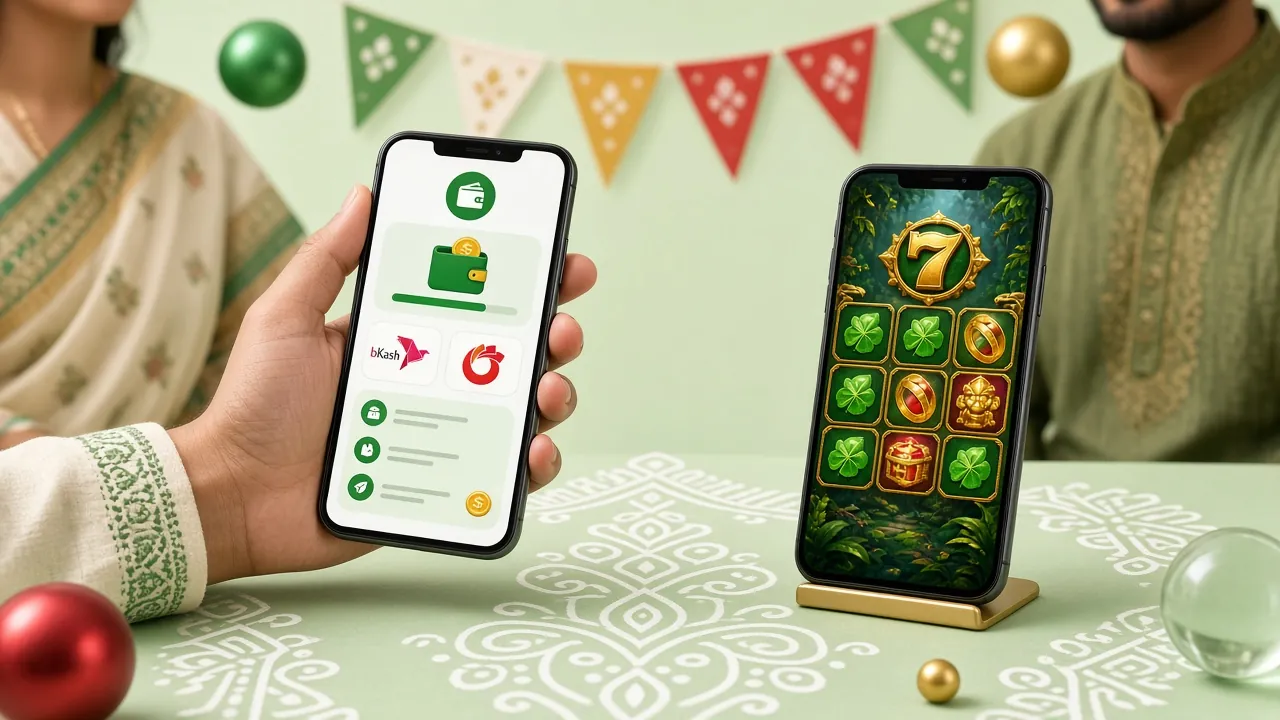
Your First Deposit Unlocks a 245% Bonus
Every new 3e33net account receives a first-deposit welcome bonus. Here are the exact terms so you know what to expect.
When Your Deposit Does Not Go Through
Most failed deposits have a simple fix. Check the table below before contacting support.
| What you see | Likely cause | What to do |
|---|---|---|
| Balance not updated after 10 minutes | TrxID not submitted, or entered incorrectly | Go back to the deposit form, check the TrxID you entered, and resubmit. Use copy-paste, not manual typing. |
| "Amount below minimum" error | Entered less than ৳350 | Increase the amount to at least ৳350 and try again. |
| bKash / Nagad says "Payment failed" | Insufficient wallet balance or daily limit reached | Top up your mobile wallet first, or try a different payment method. |
| Name mismatch warning | Wallet account name differs from 3e33net account name | Use a wallet registered in the same name as your 3e33net account. Email support if you need to update your profile name. |
| Duplicate TrxID error | Same TrxID submitted twice | Each TrxID can only be used once. If you accidentally submitted twice, contact support — do not make a second deposit. |
| Bank transfer reference missing | Reference code not added to bank transfer narration | Email support with your bank's payment receipt. Processing may take longer without the reference. |
Questions Players Ask About 3e33net Deposits
What is the minimum deposit amount on 3e33net?
The minimum deposit is ৳350 for all payment methods — bKash, Nagad, Rocket, and Bank Transfer. There is no maximum limit set by 3e33net, though your mobile wallet provider may impose its own daily transfer cap.
How long does a 3e33net deposit take to show in my balance?
Deposits are credited in approximately 5 minutes after you submit the TrxID on the 3e33net deposit form. If your balance has not updated after 10 minutes, check that you entered the correct TrxID. Contact support if the problem persists.
Can I deposit without submitting a TrxID?
No. Submitting the TrxID (transaction ID from your payment confirmation SMS) is required for the system to match your payment to your account. Without it, the deposit cannot be credited automatically. If you lose the TrxID, contact support with your payment details.
Is there a deposit fee on 3e33net?
3e33net does not charge a deposit fee. However, your mobile banking provider may deduct a small service charge from your wallet — this is set by bKash, Nagad, or Rocket, not by 3e33net.
Can I use someone else's bKash or Nagad account to deposit?
No. The mobile wallet must be registered in your own name and match the name on your 3e33net account. Using another person's wallet may result in the deposit being held for review and could affect your withdrawal eligibility.
Does my deposit count toward the 245% welcome bonus?
Yes, your very first deposit on 3e33net automatically qualifies for the 245% welcome bonus up to ৳27,000, as long as you have not previously claimed any deposit bonus. The bonus is subject to a ×25 wagering requirement and must be used within 7 days of claiming.
What happens if I deposit and then want a withdrawal?
Withdrawals are processed separately. The minimum withdrawal is ৳1,500 and the maximum daily withdrawal is ৳85,000. Your first withdrawal may take up to 6 hours while identity verification is completed. See our Withdrawal & KYC Guide for full details.
Can I deposit through the 3e33net mobile app?
Yes. The 3e33net app (Android, version 3.9.20, free to download) includes the full deposit flow. The process is identical to the browser — open the wallet section, choose your payment method, and follow the same steps described in this guide. Download the app here.
Related guides
Play Within Your Means
Depositing more than you plan to spend is a sign to pause. Set a deposit limit in your account settings at any time. 3e33net supports responsible gaming — if gambling stops being enjoyable, reach out for help.
- Set personal deposit limits in your account
- Use self-exclusion if you need a break
- 24/7 support: [email protected]
- Read our Responsible Gaming policy